Setup
Settings and billing
Business details, tax settings, your plan and card, bank connections, and getting back in when you forget your password.
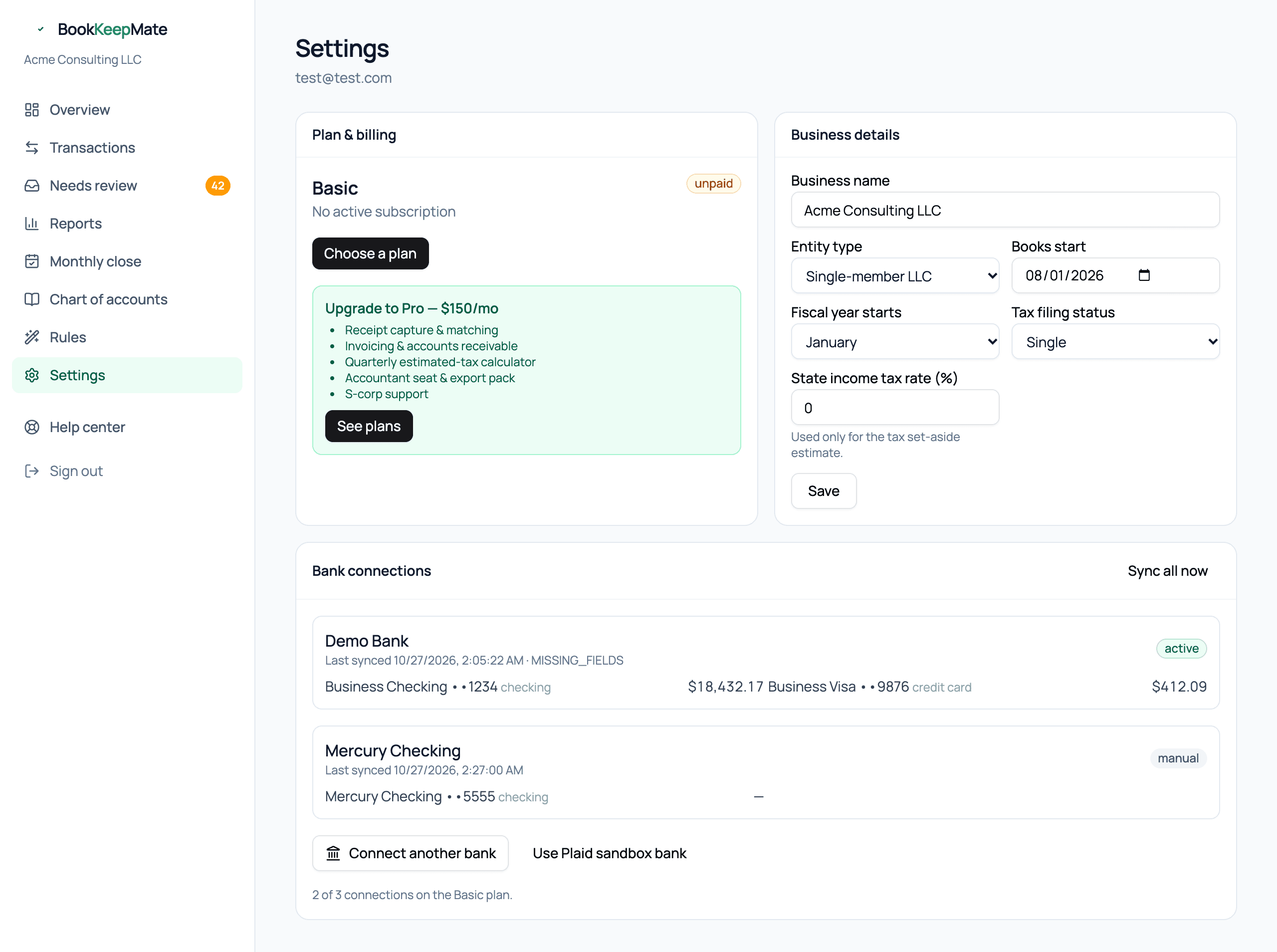
Business details
- Business name — on reports and in emails.
- Entity type — sole proprietorship, single-member LLC, or S corporation. Affects the tax estimate.
- Books start — transactions before this date are excluded. Moving it earlier doesn't re-import history automatically; use statement import for older months.
- Fiscal year starts — January for almost everyone.
- Tax filing status and State income tax rate — only used by the tax set-aside estimate.
Plan & billing
Your current plan, status, renewal date and card on file are at the top. From here you can:
- Switch between Basic ($100/mo) and Pro ($150/mo). Upgrades apply immediately and are prorated.
- Update your card. Card details go straight to our payment processor, Authorize.net, and never touch our servers.
- See every payment in Payment history at the bottom of Settings. Receipts are also emailed after each charge.
- Cancel. Service continues to the end of the paid month; your data stays exportable for 90 days after.
Bank connections
Every institution with its accounts, balances, and last sync. Sync all now pulls immediately. Connecting and removing accounts is covered in Bank connections and statement import.
Forgot your password
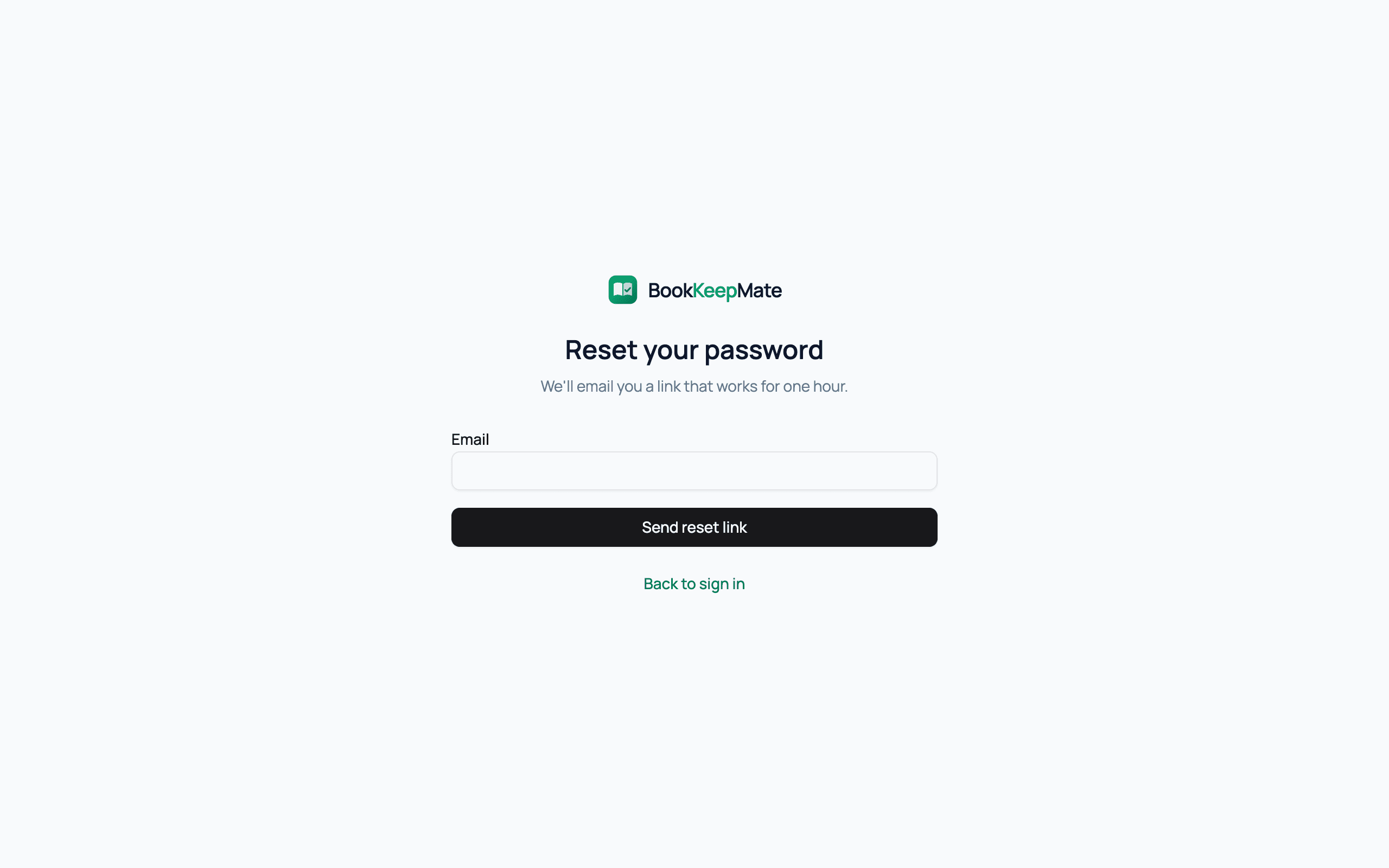
- On the sign-in page click Forgot password? and enter your email.
- Open the email and click the link (it works for one hour).
- Choose a new password; you're signed in straight away.
No email after a few minutes? Check spam, and make sure it's the address you signed up with — for security the form says the same thing either way.
Closing your account
At the bottom of Settings, Close account cancels your subscription, revokes every bank connection and deletes your saved card. You won't be able to sign in afterwards, so export your books from Reports first. To stop paying but keep access until the end of the month, cancel the subscription instead. Your books are deleted within 90 days.
Adding your accountant
A read-only accountant seat is part of the Pro plan. Until it's in your account, the Accountant export on the Reports page gives them everything they need as files.